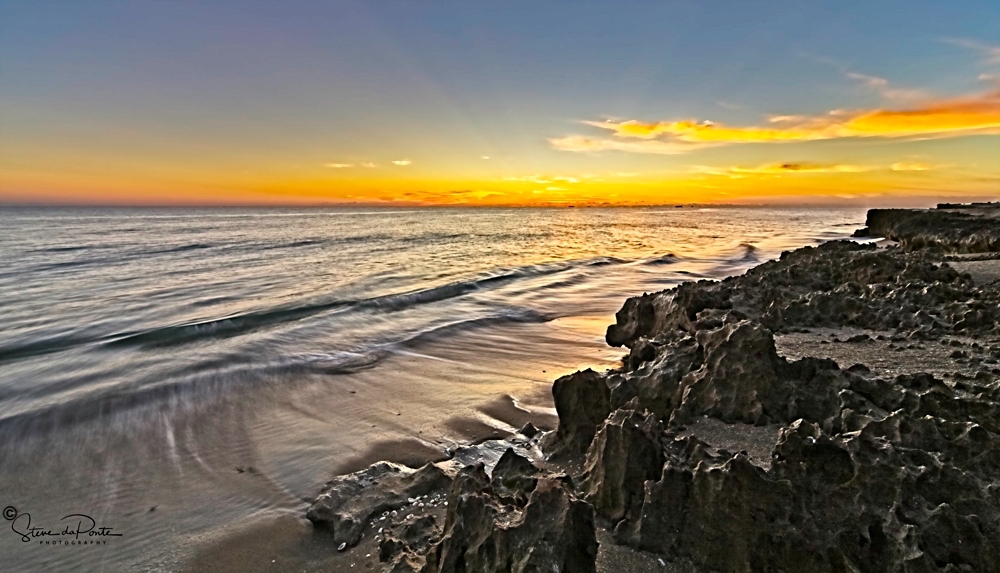
Ok , so you have all your wonderful images stored away on Hard Drives, Flash Drives or whatever…..
That’s great but ask yourself do I have a second copy or maybe we can even take it so far as a third copy. Why? Drives fail, sometimes we notice that it may be acting a little slow or disconnects for no reason “Do Not Ignore the Warning Signs”! At this very moment I have a drive that is on the edge according to my Mac Disk Utility. Luckily I do have a backup and currently copying it to a new drive. Phew!
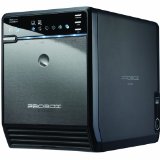
Currently $99.99 on Amazon just the Box no Drives
The storage device I currently use is a Mediasonic HF2-SU3S2 ProBox 4 Bay Hard Drive Enclosure with USB 3.0 & eSATA .
I purchased this unit because at my work we bought one for our server and it has functioned perfectly now for nearly 3-years.
What drives do I suggest well after doing research I found the best drive for the job are Enterprise Class Hard drives such as the WD RED or the Seagate Constellation just to name a few. The reason, Enterprise Class drives unlike desktop drives are designed for 24-7-365 use. They cost a little more but when you consider the cost of using a data recovery service it’s a deal!
Remember back up,back up and back up again not only your images but your computer as well and you will spend more time enjoying your images. Lightroom and several other photo catalog programs include a feature that will send a copy of your images to two locations when you import your images. This by far is the simple solution and requires little thought once it’s setup 🙂
There are also other options if you do not have large amounts of images to store like Drop Box, Google Drive and Amazon Cloud Services just to name a few.
So no matter what your budget there is no excuse not to backup your precious images.
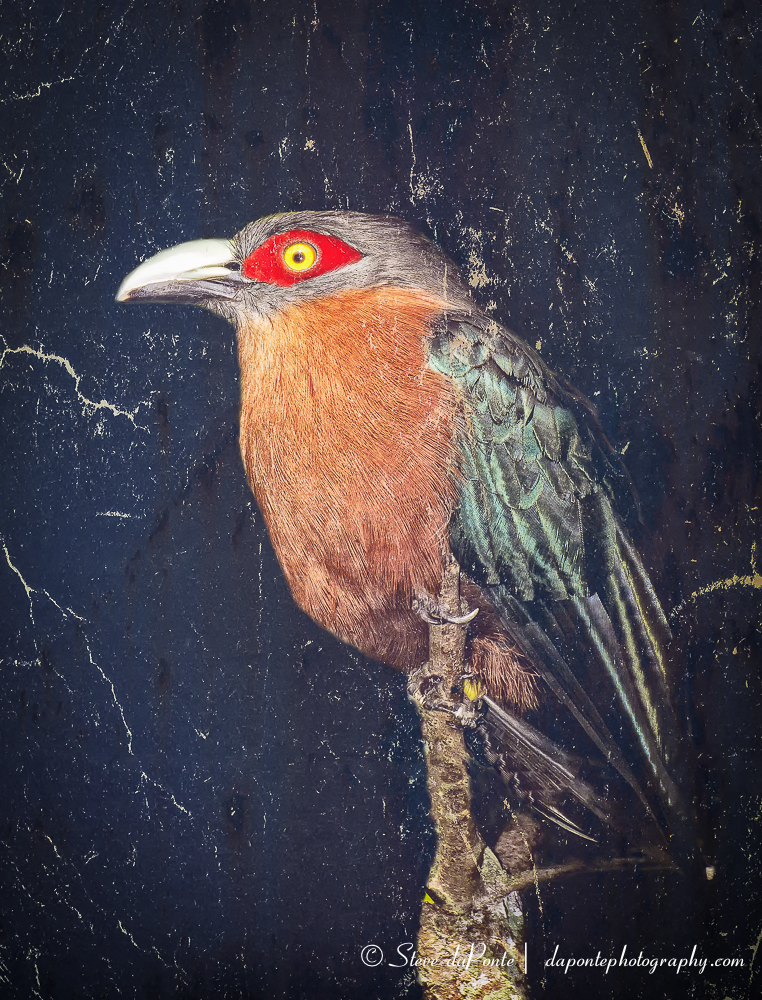
An Image nearly lost, recovered from a backup 🙂
If anyone else has any other helpful suggestions on this topic please feel free to drop a comment 🙂
 Photography by Steve daPonte
Sound advice indeed!
LikeLike
might be a good thing not to keep all your back-up drives in the same place either! and to have at least one of the copies in a fire safe place. we have in addition to three separate external drives with copies of all our dng-files also the apple “time capsule” unit that runs a back-up every hour.
LikeLike